
 メナ
メナHey there — I’m Mena (@menachite), a hybrid engineer who handles both mechanical and electrical work. Today I’m comparing USB-C docking stations and hubs — I picked out only the models that actually hold up in real desk setups and on the road.
Affiliate Disclosure: This article contains affiliate links. If you make a purchase through these links, we may earn a commission at no additional cost to you.
A lot of people want a USB-C hub but aren’t sure how port count, display output, and PD wattage actually translate into real-world usability. More ports isn’t automatically better — the right model depends heavily on how many displays you’re driving, how much power you need to pass through, and how much you’re carrying it around.
Bottom line up front: if you want one hub that handles most desk setups well, go with the UGREEN Revodok Pro. If portability matters more, the Anker 332 is the one to grab. I’ll get into why below — it comes down to display count, port layout, and price.
This comparison covers display output, PD charging, port layout, and price across four models, including the honest tradeoffs of each.
Bottom Line: Best Pick by Use Case
Here’s the short version. Building a full multi-monitor desk setup? Go with the UGREEN Revodok Pro 209. Want compact size with two rock-solid 4K60Hz displays? The Revodok Pro 107. Want both displays fully digital without the extra ports? Anker 364. Want the lightest hub to just toss in your bag? Anker 332.
| Product | Display / PD | Price (approx.) | Best for |
|---|---|---|---|
| UGREEN Revodok Pro 209 | 4 displays (2 HDMI + 2 DP) / 100W | ~$90 | Building a full multi-monitor desk setup |
| UGREEN Revodok Pro 107 | 2 displays (dual 4K60Hz HDMI) / 100W | ~$50 | Wanting compact size and rock-solid dual 4K60Hz |
| Anker 364 (10-in-1, Dual 4K HDMI) | 2 displays (dual HDMI) / 100W | ~$70 | Wanting both displays fully digital |
| Anker 332 (5-in-1) | 1 display (HDMI) / 85W | ~$25 | Wanting a light hub to carry around |
4 USB-C Hubs Compared
UGREEN Revodok Pro 209 USB-C Docking Station (9-in-1, Dual DisplayPort + Dual HDMI, 100W PD)

 メナ
メナIf you want a single dock that handles your whole desk setup, this is the closest US match to the base Revodok reviewed in our original lineup — same brand, same triple-ish display ambition, more ports.
UGREEN Revodok Pro 209 is a 9-in-1 docking station combining two HDMI ports and two DisplayPort outputs, 10Gbps data transfer, and 100W USB-C Power Delivery. It’s built for anyone who wants a single-cable setup that drives multiple monitors from one laptop.
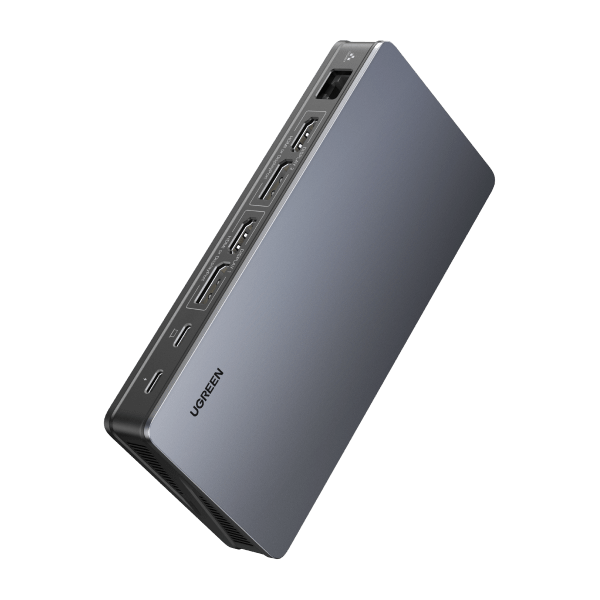
Honestly, actually getting more than two displays running at once still depends heavily on your laptop’s GPU and driver support — some machines cap out at two external displays regardless of how many ports the hub offers. Check your laptop’s official multi-monitor spec before assuming you’ll get full simultaneous output from every port.
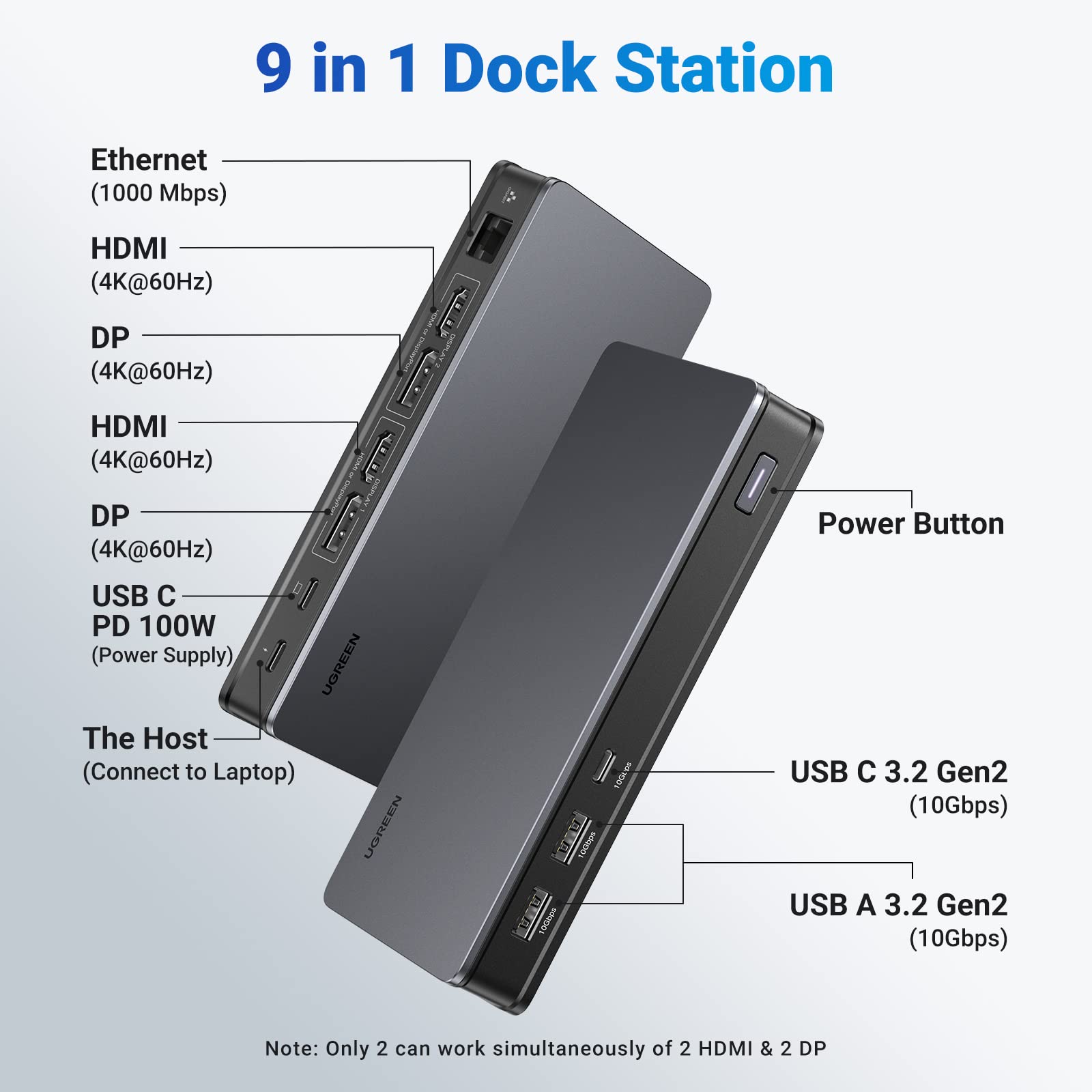
It’s a strong pick if you want to build a proper multi-monitor desk setup and don’t mind paying a bit more for the extra ports.
UGREEN Revodok Pro 107 USB-C Hub (7-in-1, Dual 4K@60Hz HDMI, 100W PD, 10Gbps)
メナThis is the one to get if you want two displays that are both rock-solid 4K@60Hz, no compromises, in a genuinely compact aluminum body.
The Revodok Pro 107 packs dual 4K@60Hz HDMI outputs, 10Gbps high-speed data transfer, and 100W PD charging into a compact aluminum body. Unlike hubs that split one output across multiple screens (MST), this one drives two HDMI ports independently, so both displays run at a clean, stable 4K@60Hz.
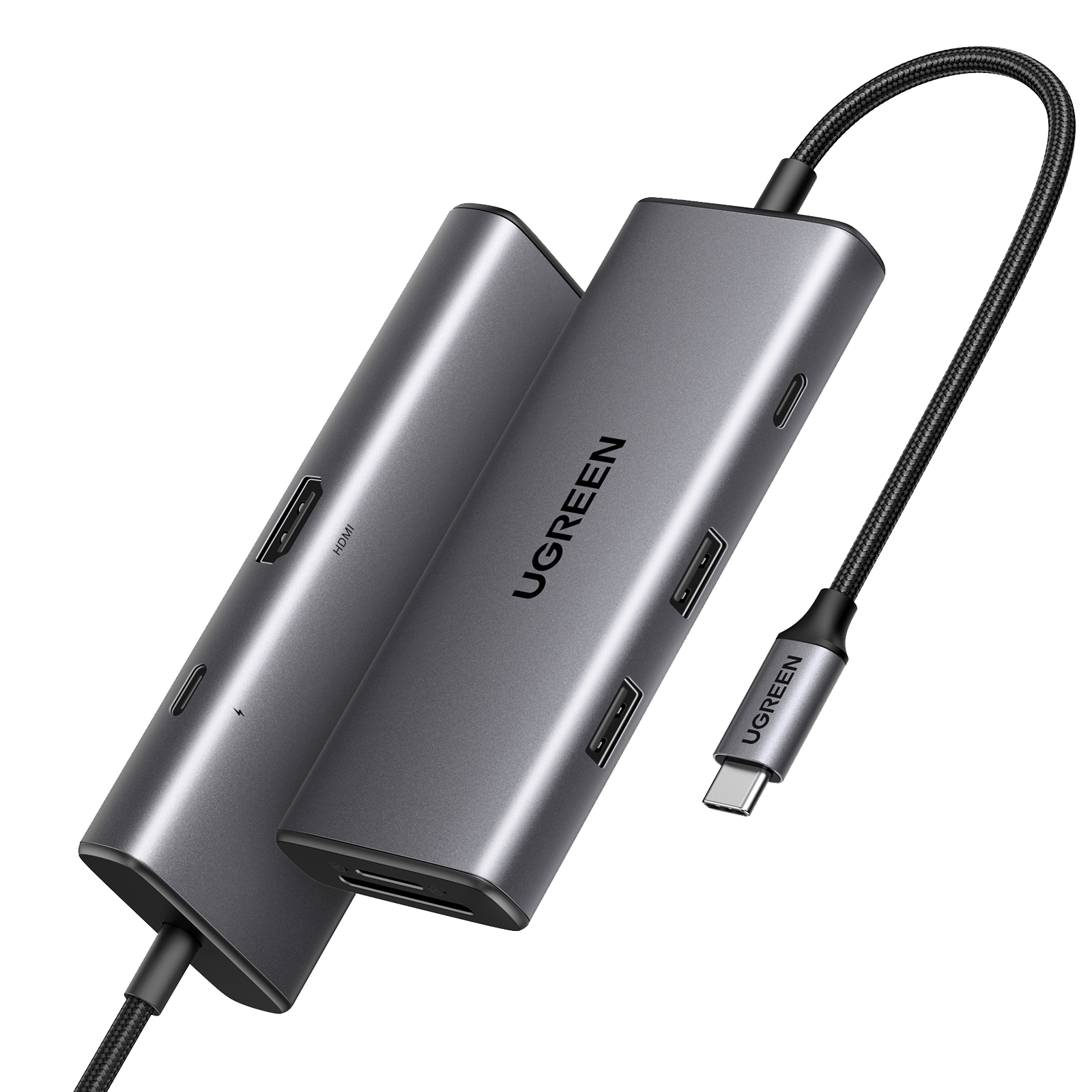
Honestly, you do lose the third-display option compared to a triple-output hub. But since both ports are dedicated HDMI outputs rather than a shared MST signal, you avoid the flakiness that sometimes comes with squeezing three 4K streams out of one dock.
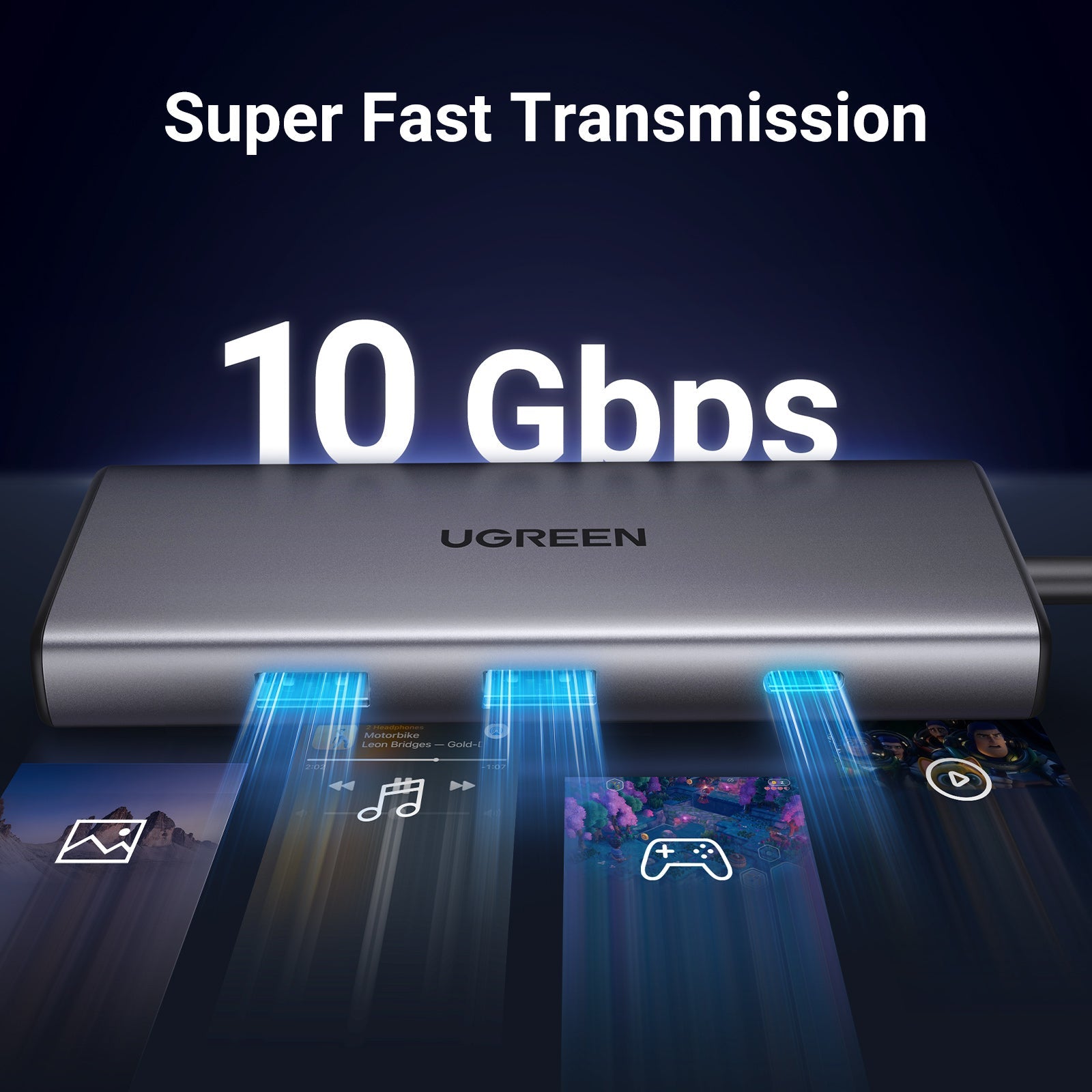
A great pick if you’d rather have two displays that just work every time than three displays that occasionally act up.
Anker 364 USB-C Hub (10-in-1, Dual 4K HDMI, 85W Pass-Through Charging)
メナThis one replaced the old VGA-equipped 10-in-1 with a second HDMI port, so now both display outputs are digital — a genuinely welcome upgrade.
The Anker 364 is the successor to Anker’s older 10-in-1 dual-display hub, swapping out the legacy VGA port for a second HDMI output. You get 4K@60Hz on a single display, or 4K@30Hz on both HDMI ports simultaneously, plus Gigabit Ethernet and an SD/microSD card slot.
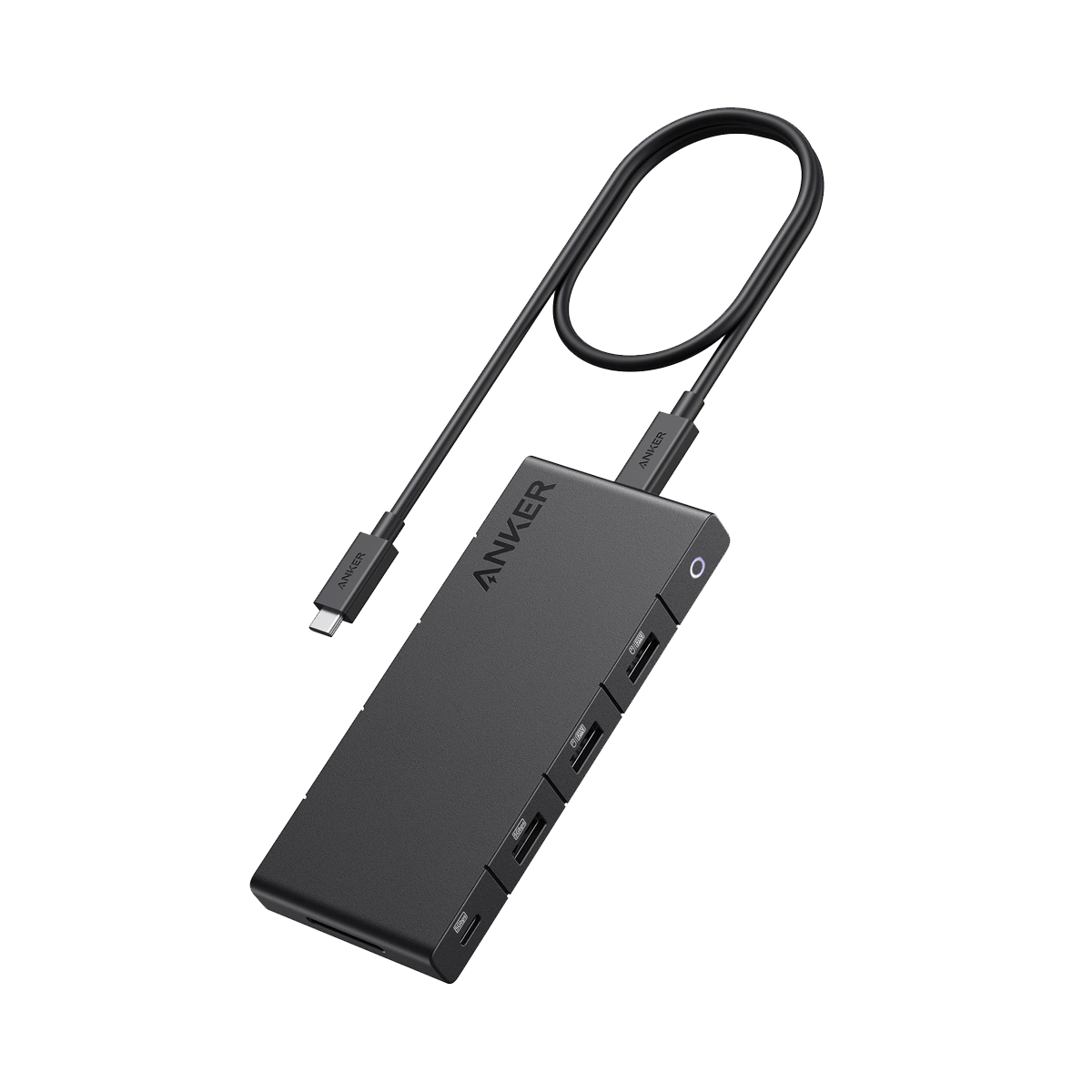
Honestly, running both displays at once caps you at 4K@30Hz — if you want both screens at a full 60Hz, you’ll need to drop down to a single-display setup. If dual 60Hz output matters more to you than the extra ports, the Revodok Pro 107 is the better fit.
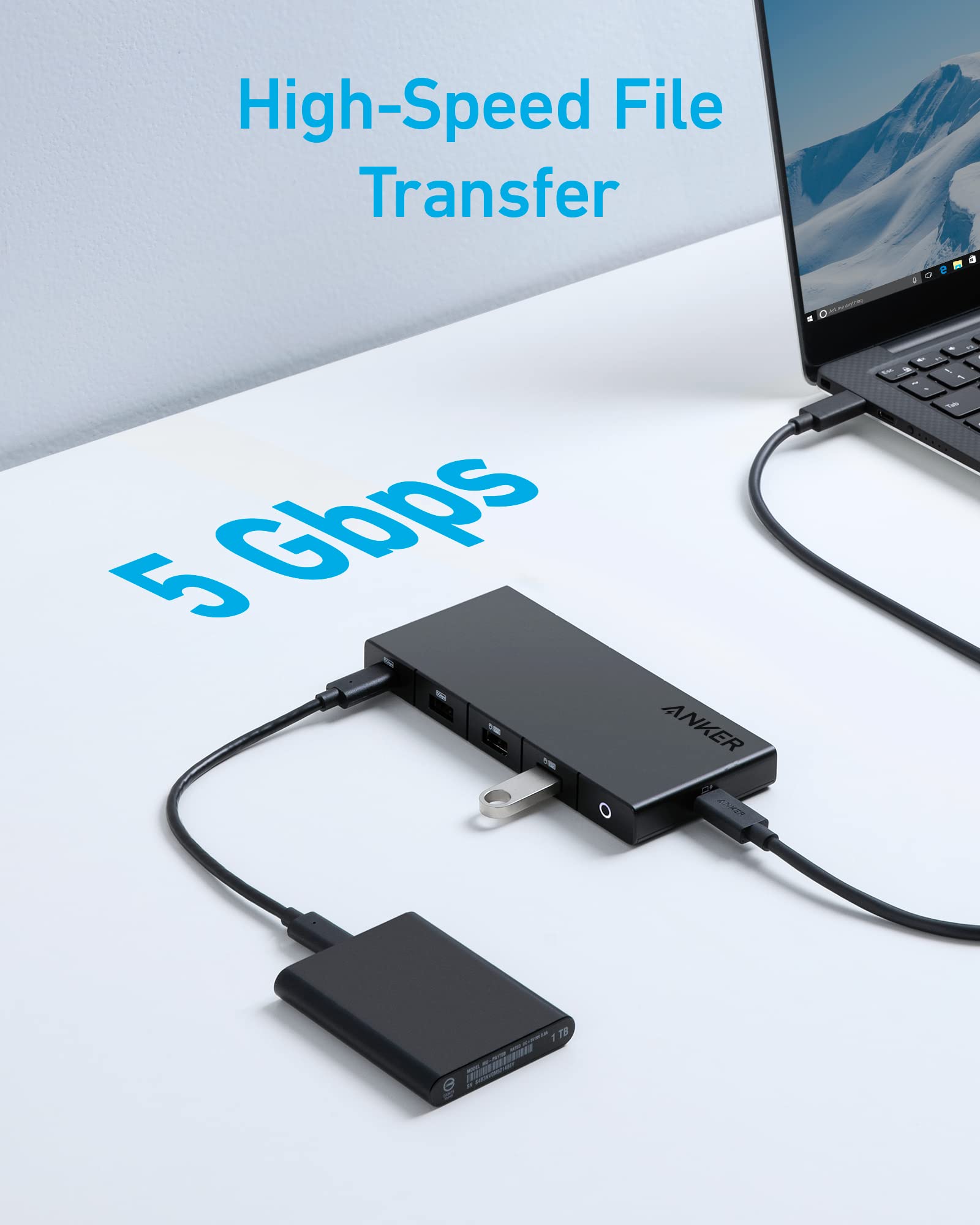
A solid all-rounder if you want digital-only dual display output plus wired Ethernet and card reader support in one hub.
Anker 332 USB-C Hub (5-in-1, 4K HDMI, 85W Pass-Through Charging)
メナThis is the one that lives in my travel bag. At 122×41×12mm and about 50g, it genuinely disappears into your carry-on.
The Anker 332 packs a 4K@30Hz HDMI port, USB-C data, and two USB-A ports with 100W PD pass-through charging into a slim, travel-friendly body. You can charge your laptop through the hub itself, so one power adapter covers both jobs.
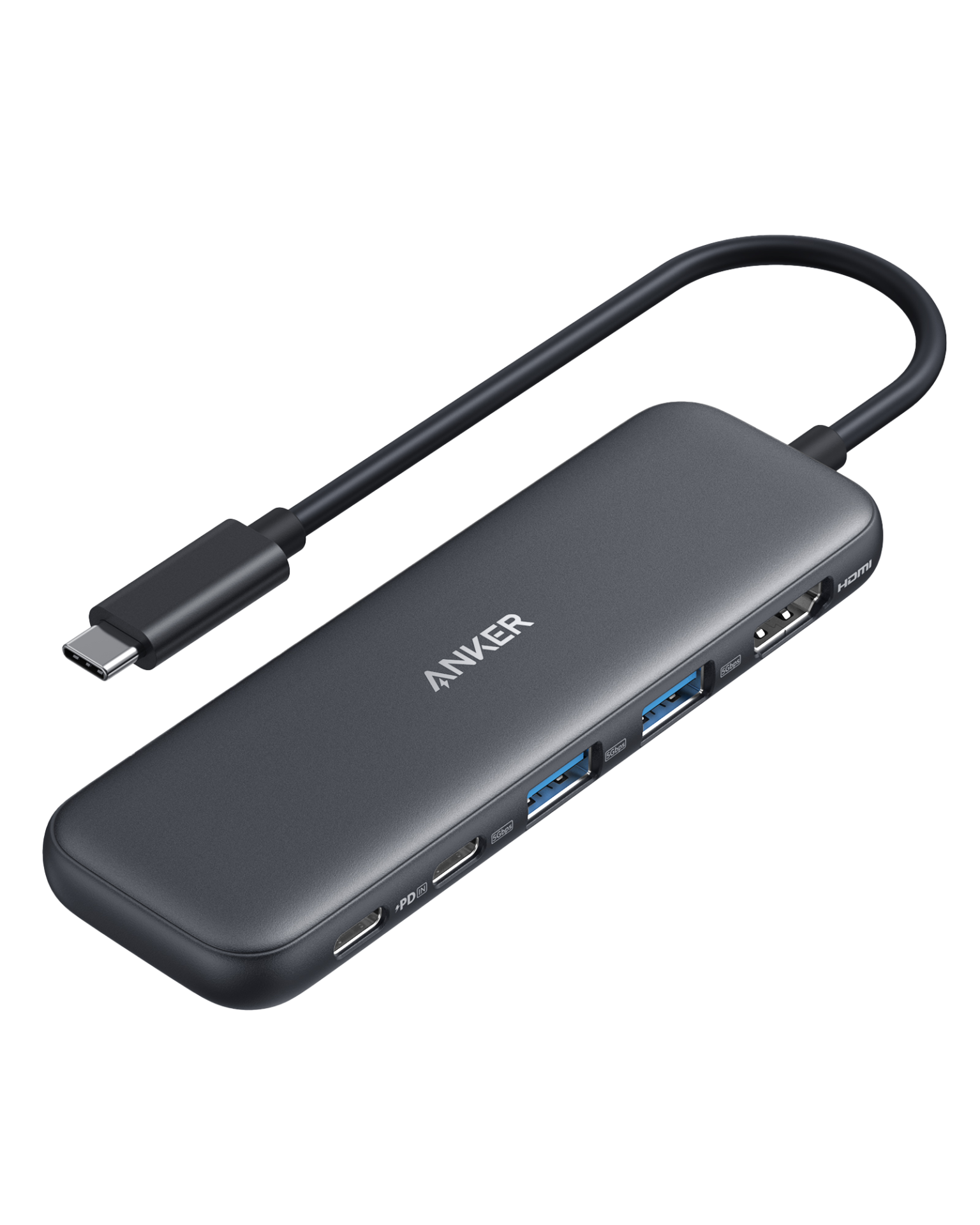
Honestly, this is a Mac/Windows laptop hub, not a phone or tablet accessory, and the port count is intentionally minimal — no SD card slot, no Ethernet. If you need those, look elsewhere in this lineup.
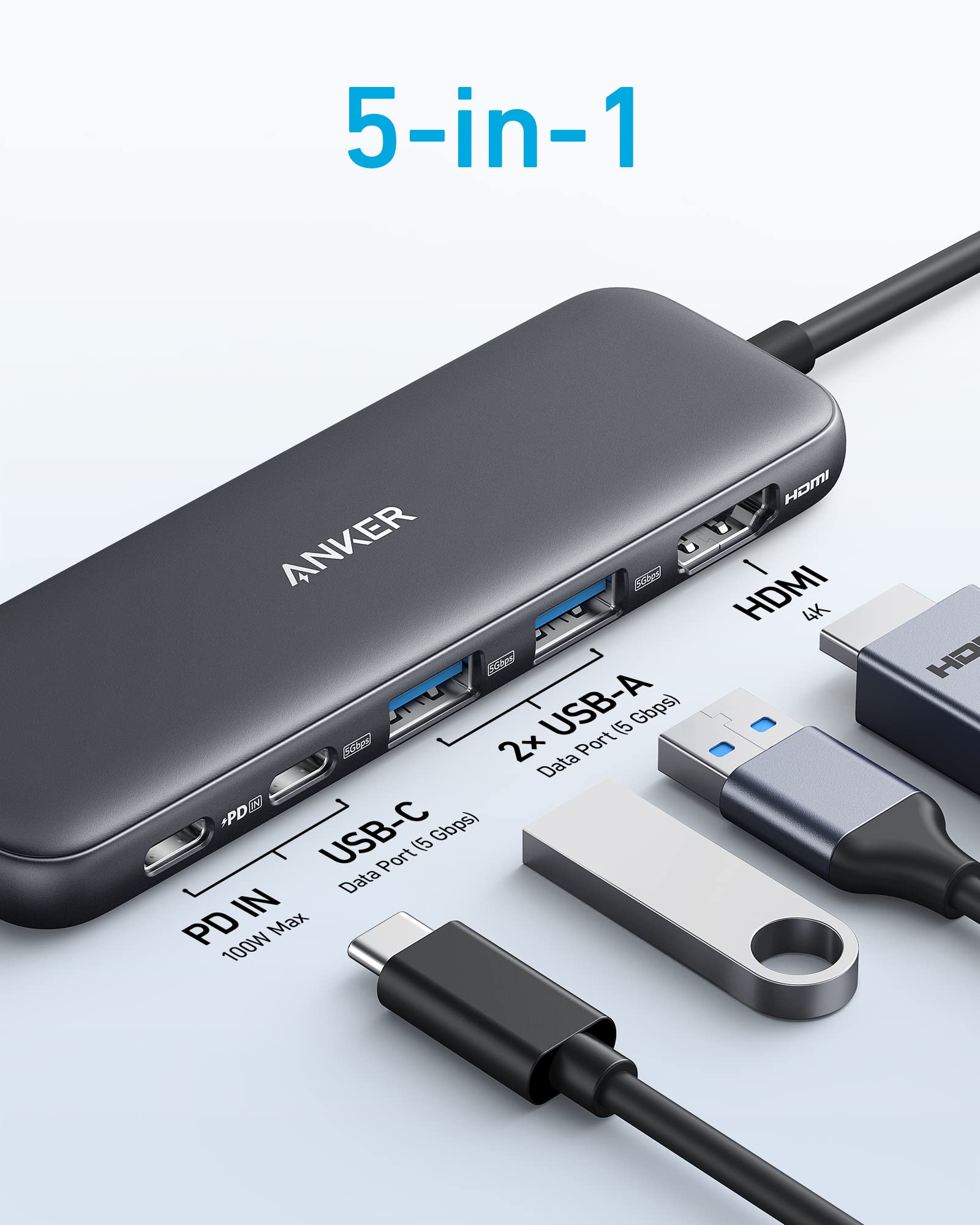
The most affordable and portable pick here — ideal if you just want one light hub to toss in your bag.
USB-C Hub Basics: What the Specs Actually Mean
USB PD (Power Delivery) is the charging standard that lets a single USB-C cable supply power. The current PD3.0 standard tops out at 100W (20V/5A). Wattage roughly tells you what you can charge: around 65W covers most ultrabooks, while 100W-class hubs are needed for 15-inch and larger high-performance laptops. Many hubs offer lower pass-through wattage than their rated input, so check both the input and pass-through numbers on the spec sheet.
Video output over USB-C works through “DisplayPort Alt Mode,” a standard that both your laptop and the hub need to support. It repurposes some of the USB-C signal lines for video, and HDMI output on these hubs is typically converted from that same DisplayPort signal internally.
Multi-display setups typically use MST (Multi-Stream Transport), which splits one video output into multiple independent signals. In theory it can drive many monitors, but all displays share a fixed bandwidth budget (roughly 21.6Gbps), so running several 4K streams at once can cause flickering or reduced resolution. That’s the technical reason a hub advertised as “3-display capable” might only reliably drive 2 displays depending on your laptop’s GPU and driver support.
Data port speed matters too. “5Gbps” corresponds to USB 3.2 Gen1 (formerly USB 3.0), and “10Gbps” to USB 3.2 Gen2. If you regularly move large files to an external SSD, a 10Gbps port makes a noticeable difference in real-world speed.
Before buying a hub advertised for multi-display output, confirm your specific laptop natively supports multiple external displays. Even with the right hub, if your laptop’s chipset only supports a single external display, you won’t get the full benefit — this catches out thin-and-light laptops more often than you’d expect.
Buying Notes
Actual multi-display and PD wattage performance depends on your specific laptop and OS. If you’re considering a triple-display model, confirm your laptop natively supports native multi-monitor output before buying.
Prices shift often in this category as new models roll out, so double-check current pricing and specs on the product page before you buy.
FAQ
Q: What’s the difference between a USB-C hub and a docking station?
A: There’s no hard rule, but generally, hubs with fewer ports built for portability get called “hubs,” while multi-port, desk-bound models get called “docking stations.” Of the four models here, the Anker 332 leans hub, while the Revodok Pro 209 leans docking station.
Q: The hub says it supports multiple displays, but I only get two — why?
A: In most cases, it’s because your laptop’s graphics chipset or driver doesn’t natively support multiple external displays — not a limitation of the hub itself. Check your laptop’s official multi-monitor spec before buying.
Q: How do I pick the right PD wattage?
A: Match it to your laptop’s stock charger wattage. Around 60-65W covers most thin ultrabooks, while 100W-class hubs suit 15-inch and larger high-performance laptops — either will get you close to stock-charger speeds through the hub.
Q: Does it work the same on Mac and Windows?
A: Any hub with basic USB-C Alt Mode support works on both, but multi-display behavior can vary by OS and model. Some MacBooks without MST support need extra drivers or a DisplayLink-equipped hub for multiple external displays.
メナUSB-C hubs come down to three questions: how many displays are you driving, how much wattage do you need to pass through, and how much are you carrying it around? Answer those and the right pick gets obvious fast.
Conclusion
We compared four USB-C hubs across display output, PD charging, port layout, and price. For most desk setups, the UGREEN Revodok Pro line is the strongest overall pick. If portability is your priority, the Anker 332 is hard to beat.
If you’re not sure which to get, start with the UGREEN Revodok Pro 107 — it hits a strong balance of price, display quality, and compact size.